A 3D physics sandbox that runs in your browser.
What is VistaKine?
VistaKine is a 3D physics sandbox. Place objects in a scene, connect them with ropes or hinges, and see how they move. You can build a textbook experiment or just see how high you can stack things.
When you want to know why something moved, turn on its force diagram. Labelled arrows show the forces on the object and update as it moves.
What can you do?
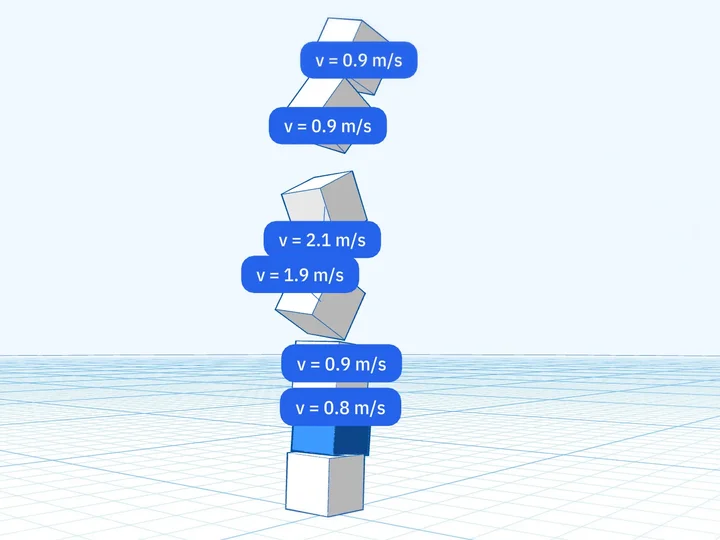
Build something
Stack blocks, put a ball on a ramp, or hang a weight from a rope. Move and resize the parts until the setup looks right.
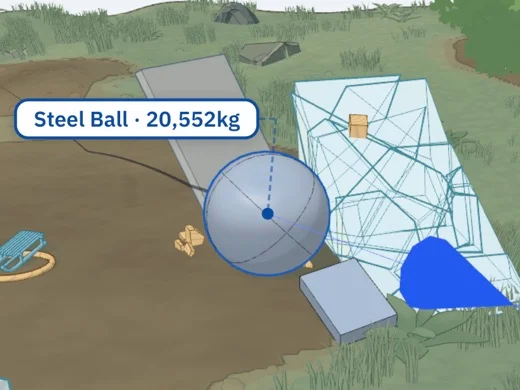
Set it in motion
Give it a push and see what happens. If a collision is over too quickly, slow it down to a tenth of normal speed.
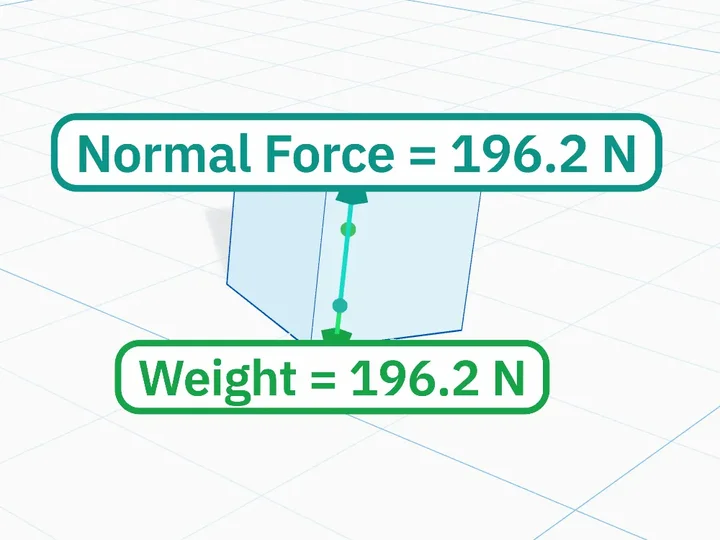
Look at the forces
Turn on force arrows to see what's pushing or pulling on an object. Open a graph to follow its velocity over time.
For teachers
Put VistaKine on the projector and build a setup with your class, such as a block on a ramp or a hanging mass. Turn on the force arrows to talk through what's acting on each object. You can slow a collision down or graph velocity as it happens.
Students can try it themselves on their own devices. There's nothing to install and no account to create.
Missing something you'd use in class? Write to ki@vistakine.com.
Questions
- Is it free?
- Yes. The playground is free to use.
- Do I need to install anything or sign up?
- Nope! It runs in the browser, and you can use the playground without an account.
- Will it run on my device?
- You can use it on a computer, tablet or phone with an up-to-date browser. Large scenes may run slowly on older devices. Try lowering Visual Quality in settings if that happens.
- How accurate is the physics?
- VistaKine uses Rapier to simulate how objects move and collide. Force labels come from the simulation and use metric units. Like any simulation, it makes approximations: use it to explore physics, not to check an engineering design.
- Why 3D?
- You can build in any direction and move the camera around to see the setup from another angle. That helps when objects or force arrows overlap in one view.
Ready to break something?
Enter the Playground